Home    |    Download    |    Gallery    |    Buy    |    FAQ    |    Whats New 
PhotoChances. Gallery of samples
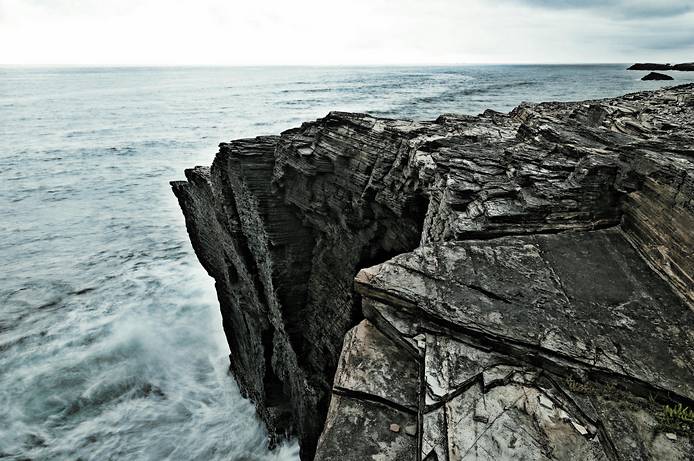
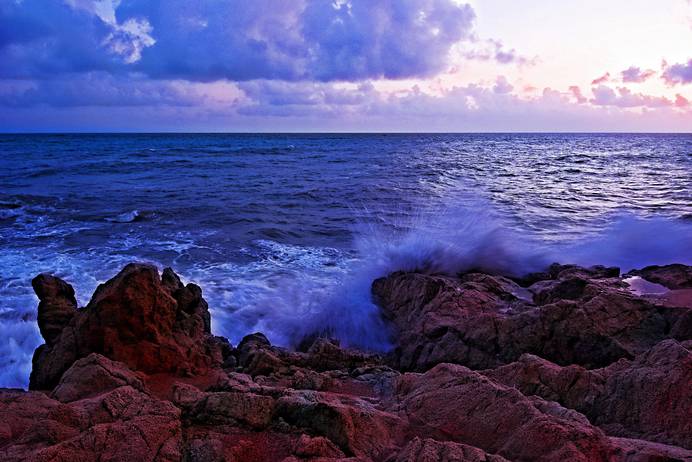
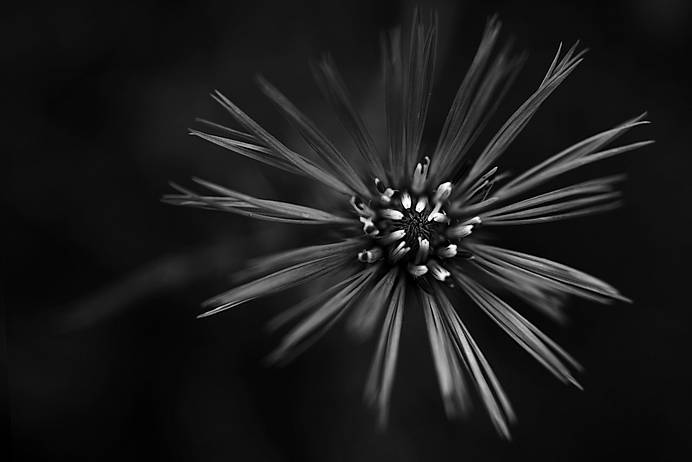
These samples are all images produced with the program PhotoChances (either Explorer or Lab) reduced to a size to fit the screen.
The images recorded with PhotoChances keep the "recipe" used to create the effect inside the file.
Then the effect in an image can be replicated in any other very easily with PhotoChances Lab.

(Click each image to see the original)

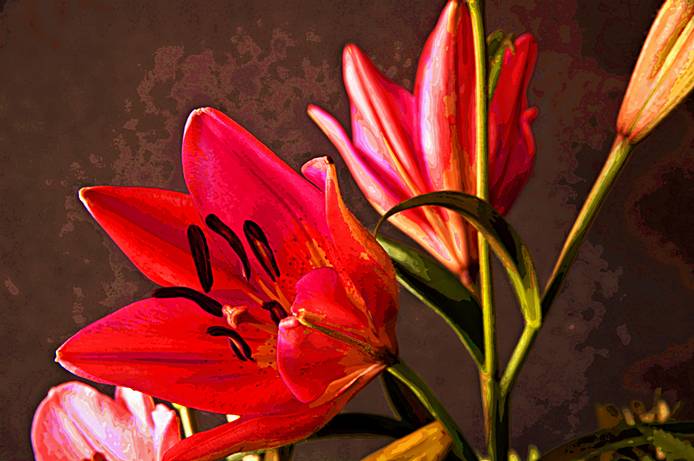
Contrast increase and color boost

Discover possibilities in your photos

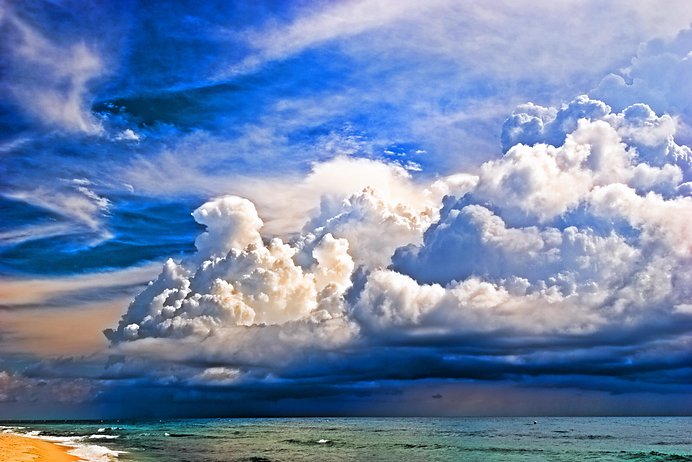
Extreme color saturation with increase of acutance

From classical processing

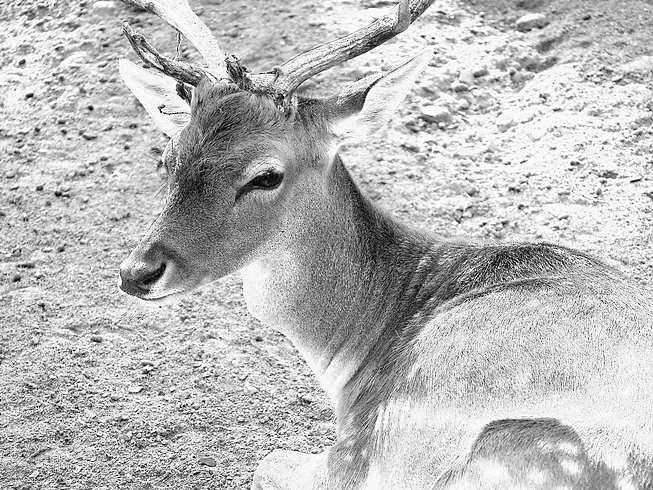
Black and white conversion

to more free styles

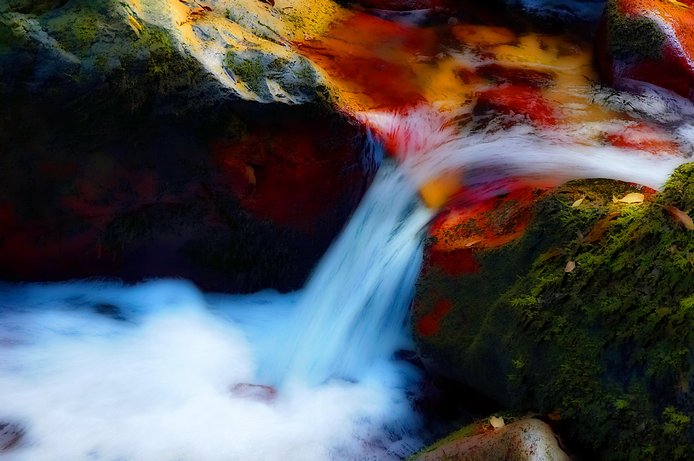
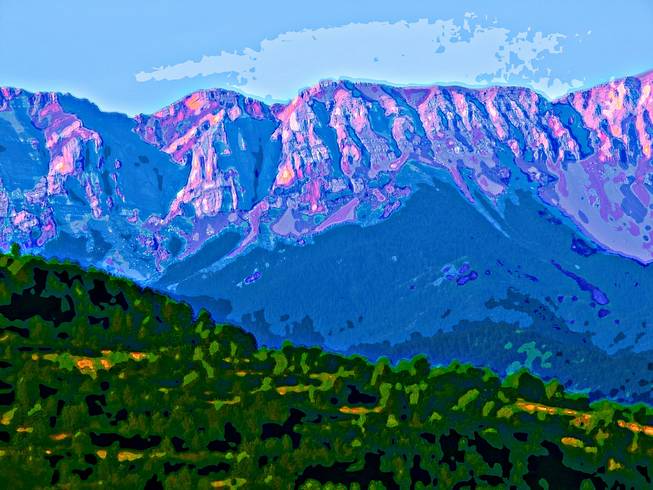
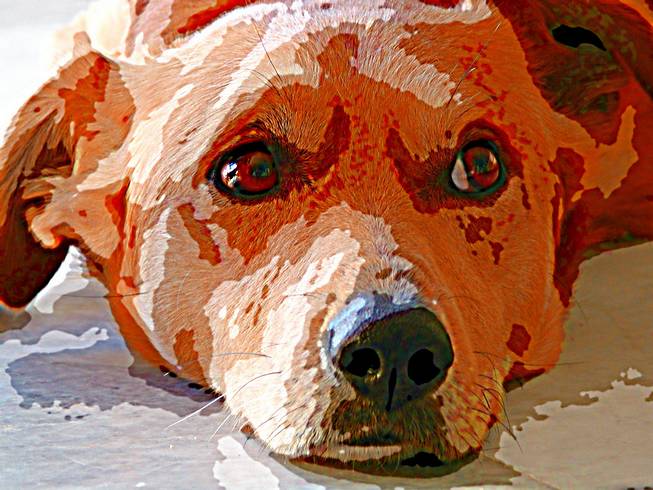
Painterly effect

While in the slideshow or screensaver you see your own images with similar effects

Pen drawing effect

When you see something you like you can capture both the image and the formula used

Painterly effect with saturation boost

See what it does with your own images.
Download the free Trial

Once you captured an image you can apply the same effects to any other image as simply as dragging the image file

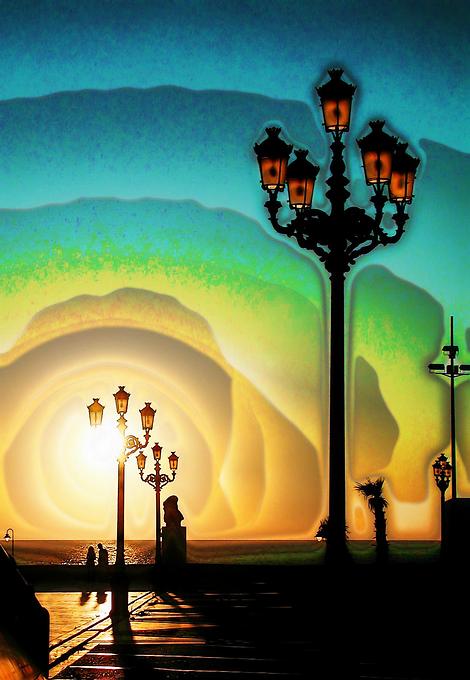
Surrealistic effect

Sophisticated effects mixing two others give endless possibilities

Recolorization of a Black and White conversion

Squeeze the possibilities on your photos, color, contrast, shapes. Why to resign yourself to the simple interpretation of the camera?
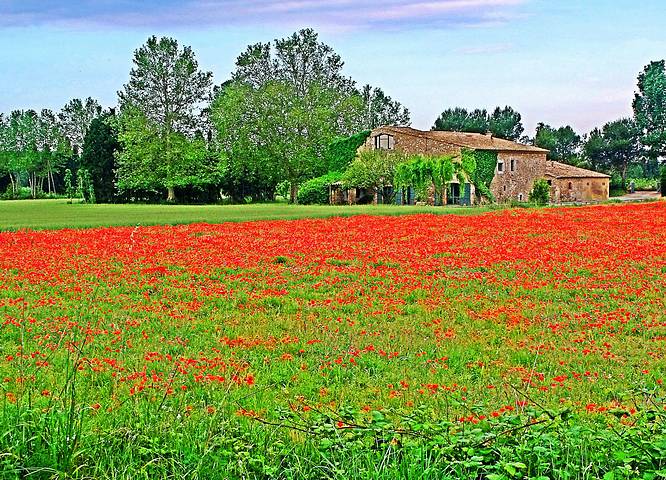
Boost in saturation with contrast mask

The new family of effects "Paint" produce surprising transformations (try printing them)

The paint effect produces rich like oil painting effects

Paint is a very variable effect that produces awesome pictures

See what it does with your own images.
Download the free Trial


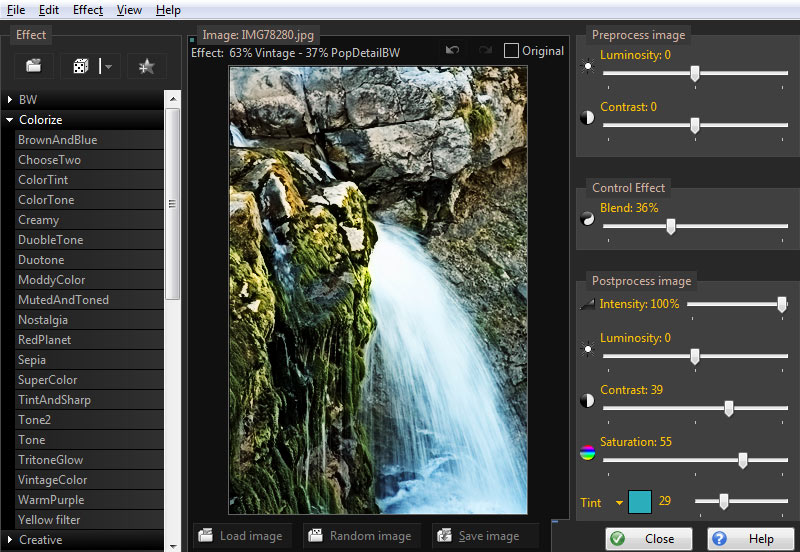
A Screen capture of the program (PhotoChances-Lab) follows.
This window is available at any time in the slideshow by pressing the space bar.
(Click over the image to see different effects) ScreenShot

Contact:
    |    rss     |    what's new     |    manual

Copyright 2008 by JTTSoft / Juan Trujillo